I still remember a phase when I was trying to “get fit” without actually tracking anything properly. I would eat a light breakfast, feel good about myself, and then completely lose track by evening—random snacks, late dinner, and zero idea how many calories I had actually taken in. The weird part? I thought I was doing fine because I “felt” healthy.
That illusion broke when I stepped on a basic weight scale after a few weeks and realized nothing had changed. That’s when I understood something simple but powerful: guessing your health progress doesn’t work. You need a quick way to actually see what’s happening with your body.
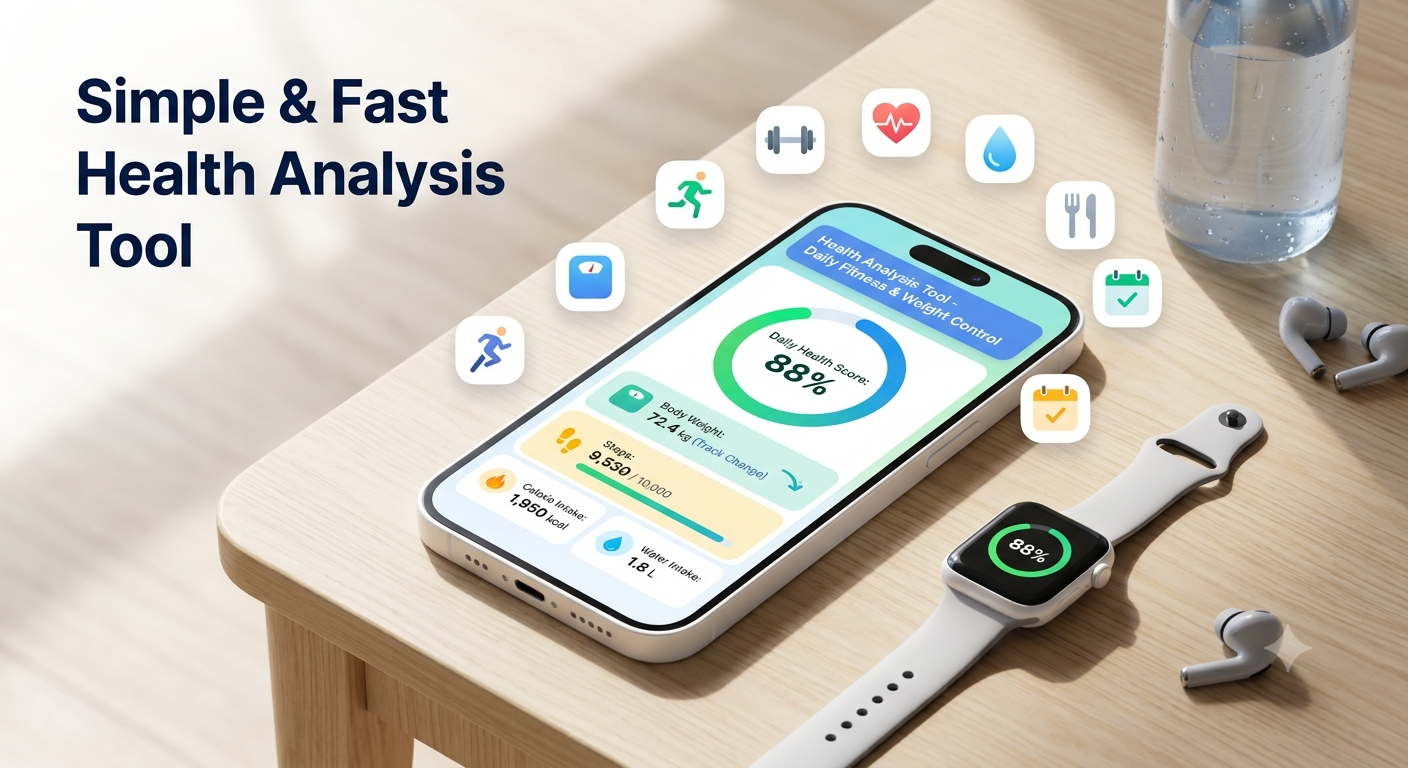
That’s exactly where a simple and fast health analysis tool becomes useful for daily fitness and weight control.
When “feeling healthy” is not enough
Most people rely on random habits:
- “I didn’t eat much today, so I’m fine”
- “I walked a bit, so I burned calories”
- “My weight should be okay”
I used to think like this too. But the problem is, our body doesn’t respond to feelings—it responds to numbers, consistency, and patterns over time.
The turning point for me was when I started using basic digital health tools. Nothing complicated. Just simple apps and calculators that gave me real-time feedback.
And honestly, it made fitness feel less confusing.
What a simple health analysis tool actually does
When people hear “health tool,” they imagine something complex. In reality, a good one usually just does a few things:
- Calculates BMI (Body Mass Index)
- Estimates daily calorie needs
- Tracks weight changes over time
- Gives a rough idea of activity level
That’s it. No rocket science.
I personally started with tools like Google Fit and later tried MyFitnessPal and HealthifyMe. What helped most was not the app itself, but the habit of checking my data daily.
Even a 10-second check-in makes you more aware of your choices.
My simple daily routine using health tracking tools
After a lot of trial and error, I settled into a routine that didn’t feel overwhelming. Here’s what actually worked for me:
1. Morning weight check (not obsession, just awareness)
I step on the scale once a day—same time, usually after waking up. I don’t stress about small changes.
2. Quick BMI check once a week
BMI isn’t perfect, but it gives a general direction. I used online calculators and sometimes apps to keep it updated.
3. Calorie estimation during meals
I stopped guessing. Instead, I started logging food in apps like MyFitnessPal for at least a few days a week. Over time, I got better at estimating portions naturally.
4. Activity tracking
Even simple walking counts. Google Fit made me realize I was way less active on some days than I thought.
This routine didn’t take more than a few minutes daily, but it completely changed how I understood my body.
The biggest mistake I made early on
One major mistake I made was over-tracking everything.
At one point, I was logging every single bite, every sip, every step. It lasted about a week before I got tired and stopped completely.
That’s when I learned something important:
Health tracking should support your life, not control it.
Now I follow a much simpler approach. I track enough to stay aware, but not so much that it becomes stressful.
Consistency beats perfection every time.
How a fast health analysis tool actually helps in real life
Let me give you a real example.
There was a time when I felt like I was “not losing weight” even though I was eating less. But when I checked my calorie estimates, I realized something surprising—I was actually skipping meals during the day and overeating at night.
Without tracking, I would have never noticed that pattern.
Another time, I thought I was very active because I walked a bit during the day. But my step counter showed I was barely reaching 4,000 steps daily. That was a wake-up call.
These small insights are where these tools really shine.
Step-by-step: how to use a simple health analysis tool effectively
If you’re starting fresh, here’s a simple way to use it without getting overwhelmed:
Step 1: Start with one tool only
Don’t download 5 apps. Pick one:
- Google Fit for activity
- MyFitnessPal for calories
- HealthifyMe for full tracking
Step 2: Track only 2 things at first
Focus on:
- Weight
- Daily steps OR calories
That’s enough in the beginning.
Step 3: Check trends, not daily changes
Your body changes slowly. Look at weekly patterns instead of daily numbers.
Step 4: Adjust slowly
If steps are low, increase walking.
If calories are high, adjust portion sizes—not complete diet overhaul.
Step 5: Keep it flexible
Missed a day? No problem. Just continue the next day.
Tools that actually helped me (and why)
I’m not a fan of complicated setups, so these worked well for me:
- Google Fit: Simple step tracking, no stress
- MyFitnessPal: Best for calorie awareness
- HealthifyMe: Good for Indian food database and diet tracking
- Basic smartphone health apps: Surprisingly useful for daily movement tracking
Even a simple phone sensor can give you more insight than guessing ever will.
Common mistakes people make with health tracking
After talking to a few friends and going through my own mistakes, I noticed a pattern:
1. Overcomplicating everything
Too many apps, too many metrics = burnout.
2. Expecting instant results
These tools don’t change your body. They only show what’s happening.
3. Ignoring consistency
Using the app for 3 days and then quitting doesn’t help.
4. Comparing with others
Your health numbers are personal. Someone else’s progress has nothing to do with yours.
A simple mindset shift that helped me
The biggest change wasn’t in my diet or workout—it was how I looked at data.
Instead of thinking:
“Why am I not losing weight?”
I started thinking:
“What pattern is my body showing me?”
That small shift made everything less frustrating.
Health tracking stopped feeling like pressure and started feeling like guidance.
A small but important reality check
No tool will magically fix health issues. A health analysis tool is just that—a tool. It helps you see patterns, but the action still depends on you.
If sleep is bad, no app will fix it.
If diet is inconsistent, no calculator can magically balance it.
But what these tools do really well is make invisible habits visible.
And once you see them, you can actually change them.
For deeper general health guidance, I found this helpful resource from the World Health Organization:
Final thoughts
What worked for me wasn’t extreme dieting or intense workouts. It was simply understanding my daily patterns through a quick, simple health analysis approach.
A few minutes a day of checking your body’s data can quietly change how you eat, move, and live—without making fitness feel like a burden.
It’s not about chasing perfection. It’s about noticing what’s actually happening and making small adjustments that stick.
Written & Reviewed by Dr. Zil e Norain Tanveer
MBBS | Health & Wellness Expert |
Dr. Zil e Norain Tanveer is a qualified medical professional with a focus on preventive healthcare, nutrition, and wellness education. She reviews all health content on HealthCalc to ensure accuracy and reliability for every reader.