A while back, I hit that frustrating phase where nothing seemed to work anymore.
I was eating “clean,” skipping sugary drinks, walking almost daily, and still… the scale barely moved. Some weeks it even went up a little, which honestly made me question everything I was doing.
The confusing part was that I wasn’t doing anything wildly wrong. At least I didn’t think so.
A friend eventually looked at my routine and said something simple:
“You’re not tracking your calorie deficit properly.”
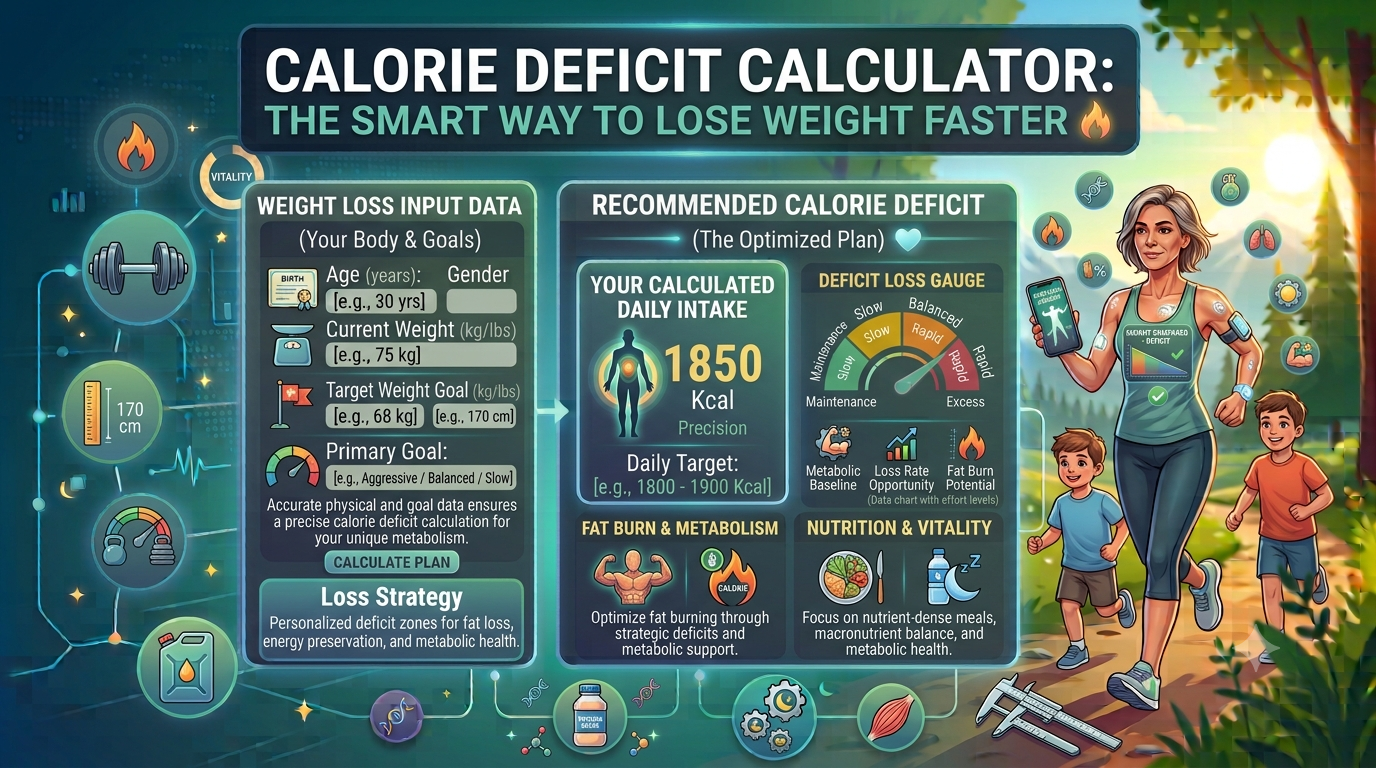
That’s the moment I first heard about a calorie deficit calculator—and it completely changed how I approached weight loss.
The mistake I didn’t realize I was making
Like most people, I assumed weight loss was just about “eating less.”
So I did things like:
- Skipping meals
- Cutting portions randomly
- Avoiding rice and bread completely some days
- Eating very little during weekdays, then overeating on weekends
On paper, it sounded like I was eating less.
In reality, it was completely inconsistent.
Some days I was in a calorie deficit, some days I wasn’t, and sometimes I was even in a surplus without realizing it.
That inconsistency was the real problem—not effort.
What is a calorie deficit (in simple terms)?
A calorie deficit happens when you eat fewer calories than your body burns in a day.
That’s it.
Your body needs energy for everything:
- Walking
- Thinking
- Breathing
- Exercising
- Even sleeping
When you consistently eat slightly less than your daily energy use, your body starts using stored fat for energy.
That’s where fat loss comes from.
A calorie deficit calculator helps estimate how many calories you should eat to create that balance safely and consistently.
My first time using a calorie deficit calculator
The first time I used one, I expected a very low number.
I thought weight loss meant eating dramatically less.
But the calculator surprised me.
It showed:
- My maintenance calories (what I burn daily)
- A moderate deficit range
- A slower, sustainable weight loss pace
And honestly, that last part changed everything.
It wasn’t about starving myself.
It was about creating a controlled gap between intake and burn.
Why calorie deficit calculators actually help
Before using one, I used to guess everything:
- “I think I ate less today”
- “I walked a lot, so I can eat more”
- “One cheat meal won’t matter”
But guessing doesn’t work well long-term.
A calorie deficit calculator helps you:
1. Understand your real maintenance level
Most people overestimate or underestimate this.
2. Set realistic weight loss targets
Instead of random diets, you get structured numbers.
3. Avoid extreme restriction
Too large a deficit leads to burnout and rebound weight gain.
4. Stay consistent
Consistency is what actually drives fat loss—not perfection.
How to use a calorie deficit calculator properly
I made a few mistakes early on, so here’s the approach that worked better for me.
Step 1: Enter accurate body details
Don’t guess your weight or height. Small errors affect your results.
Step 2: Choose your activity level honestly
This is where most people go wrong.
Be real with yourself:
- Sedentary: desk job, little exercise
- Light activity: walking, light workouts
- Moderate activity: regular workouts (3–5 days/week)
- High activity: intense training or physical job
I used to overestimate this and it always messed up my results.
Step 3: Pick a realistic goal
Most calculators give options like:
- Mild deficit (slow, steady loss)
- Moderate deficit (balanced approach)
- Aggressive deficit (faster but harder to sustain)
I personally found moderate deficit to be the most sustainable.
Step 4: Track your intake for a few weeks
This step was eye-opening.
When I started using a food tracking app, I realized:
- I was underestimating portion sizes
- Snacks added up quickly
- Weekends often canceled weekday deficits
Step 5: Adjust based on real progress
If weight isn’t changing after a few weeks, you adjust slightly—not drastically.
Tools that helped me stay on track
I didn’t rely on just the calculator. A few tools made things easier:
- MyFitnessPal (for calorie tracking)
- Google Fit (for activity tracking)
- A basic kitchen scale (for portion control)
- A simple smartwatch (to track steps)
The kitchen scale surprised me the most. It made me realize how inaccurate “eyeballing” food really is.
Real-life example that made it click for me
Let’s say two people both want to lose weight:
Person A
- Eats very little on weekdays
- Eats freely on weekends
- No tracking
Person B
- Uses calorie deficit calculator
- Eats slightly less every day
- Tracks intake consistently
After a few weeks:
- Person A sees slow, inconsistent results
- Person B sees steady, predictable progress
Same goal. Very different system.
That’s when I understood: consistency beats intensity.
Common mistakes people make with calorie deficit calculators
I’ve made most of these myself at some point:
Mistake 1: Choosing an extreme deficit
Going too low too fast usually backfires.
Mistake 2: Not tracking food properly
Guessing portions leads to inaccurate results.
Mistake 3: Overestimating exercise calories
Fitness trackers often overestimate burn.
Mistake 4: Changing plans every few days
Your body needs time to respond.
Mistake 5: Ignoring protein and nutrition quality
Calories matter, but food quality matters too.
What actually changed for me
After I started using a calorie deficit calculator properly, things became more predictable.
I noticed:
- Less confusion about what to eat
- More stable weight loss over time
- Fewer extreme hunger days
- Better control over cravings
- More confidence in my routine
The biggest change wasn’t physical at first—it was mental.
I stopped guessing.
A simple way to think about it
If I had to explain calorie deficit in the simplest way:
Your body has a daily “budget” of calories it burns.
If you spend slightly less than that budget, your body uses stored energy (fat).
A calorie deficit calculator just helps you figure out that budget without guessing.
When a calorie deficit calculator is most useful
It’s especially helpful if you:
- Have tried dieting but got inconsistent results
- Don’t know how much to eat daily
- Want structured weight loss
- Are tired of extreme diets
- Want predictable progress
Final thoughts
A calorie deficit calculator won’t magically make weight disappear, but it does something more important—it gives structure to something most people approach randomly.
For me, it turned weight loss from guesswork into something I could actually understand and manage.
Before using it, I thought I was “trying hard but getting unlucky results.” After using it, I realized I just didn’t have the right system.
If you’re trying to lose weight, this is one of the simplest tools you can start with. Not because it does the work for you, but because it helps you finally see what’s actually going on with your calories.
And once you understand that, everything else becomes a lot easier.
Suggested outbound reference: For evidence-based guidance on weight loss and calorie balance, you can refer to the official National Institute of Diabetes and Digestive and Kidney Diseases (NIDDK) – Weight Management Guide.
Written & Reviewed by Dr. Zil e Norain Tanveer
MBBS | Health & Wellness Expert |
Dr. Zil e Norain Tanveer is a qualified medical professional with a focus on preventive healthcare, nutrition, and wellness education. She reviews all health content on HealthCalc to ensure accuracy and reliability for every reader.